FIND
Start with an inventory
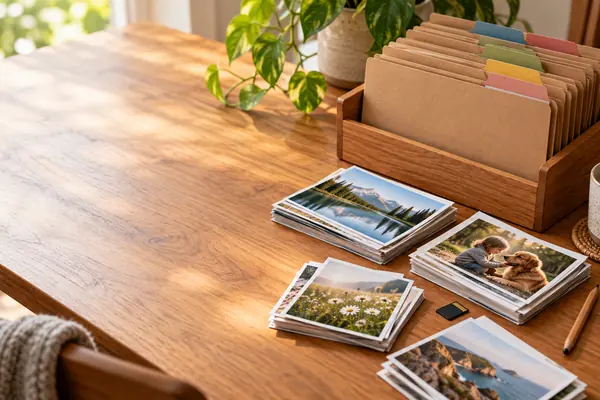
The Library of Congress suggests identifying your photos on cameras, computers, memory cards and the web. Note where each group lives before you move anything.
Find your first step
 camerafolders
WHAT THE LIBRARY OF CONGRESS ADVISES
TWO COPIES at least
Start with one small group of photographs, not the whole collection.
This guide combines Library of Congress preservation principles with an example folder plan you can adapt to your own collection. The plan is illustrative: the names are suggestions, and creating folders does not by itself make a backup.
Updated
Find your first stepTHE SHORT ANSWER
Four Library of Congress steps,
tried on one event or month first.
FIND
The Library of Congress suggests identifying your photos on cameras, computers, memory cards and the web. Note where each group lives before you move anything.
Find your first stepORGANISE
Give photos descriptive file names, put the ones you picked in a folder structure and write a brief description of how it works.
See the example planCOPY
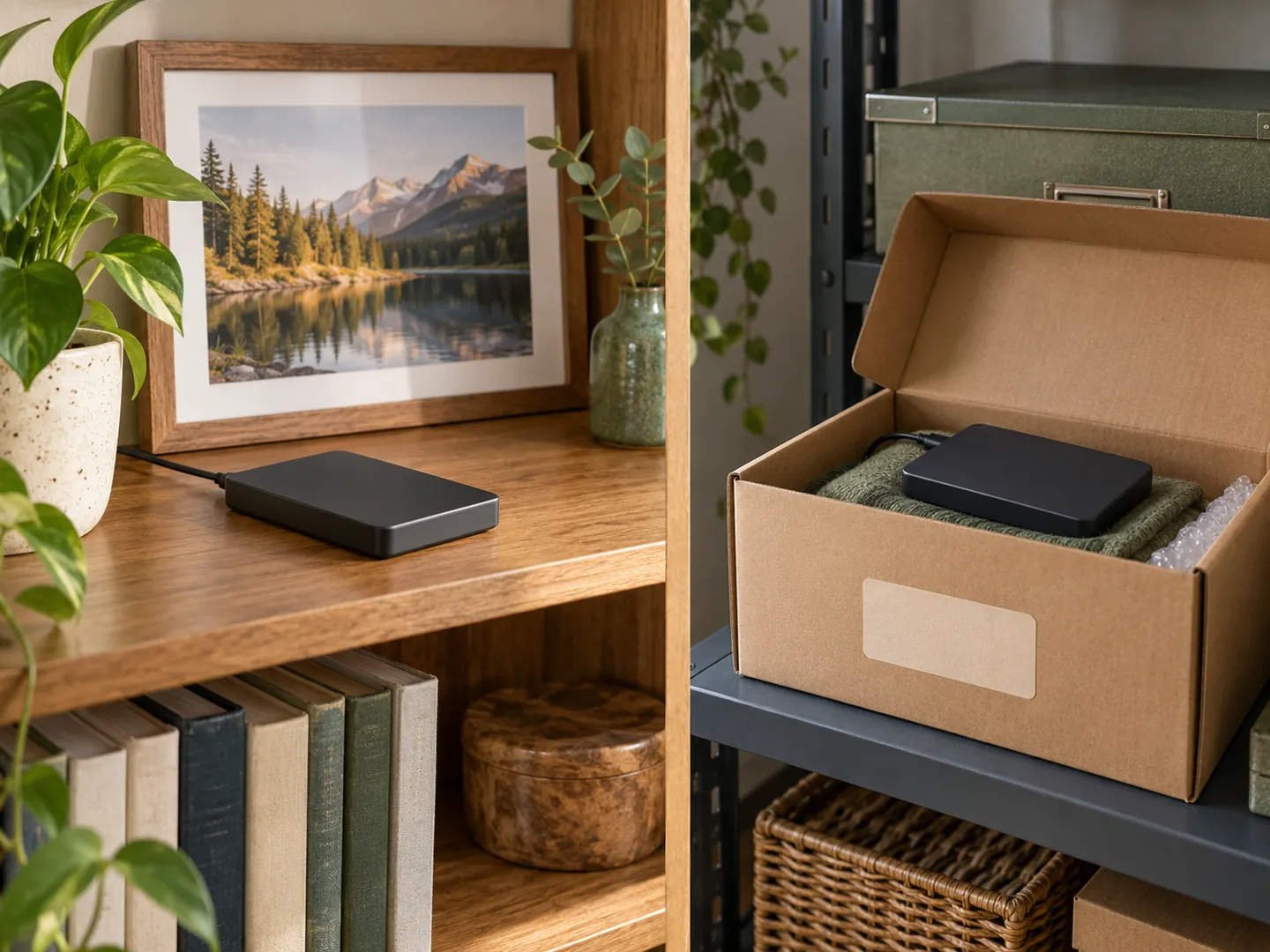
Make at least two copies of the photos you selected and store them in different locations, as far apart as practical.
See the numbersA QUICK STARTING CHECK
Pick the situation closest to yours to see the next step in the Library of Congress guidance. The bar shows how much of the routine is still ahead: find, choose, organise, copy and check.
Based on the Library of Congress guide “Keeping Personal Digital Photographs”. It is general guidance, not a recommendation of any product or storage service.
FOUR NUMBERS FROM THE LIBRARY
Every figure is about copies,
checks or storage media.
2+
Copies of the photos you select
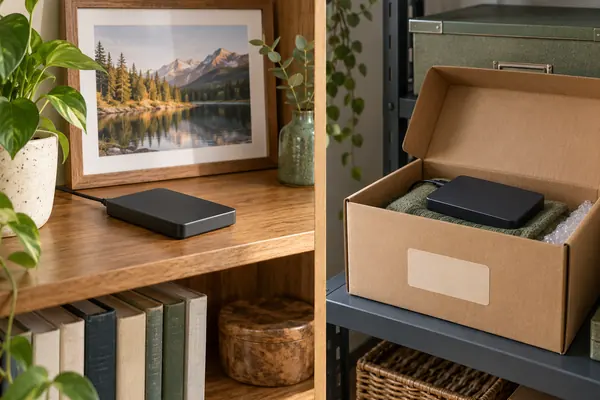
Make at least two copies, and more copies are better. Store them in different locations, as physically far apart as practical, so that if disaster strikes one place the photos in the other should be safe.
COPIES · LIBRARY OF CONGRESS
1 a year
Check that you can still read them
The Library of Congress advises checking your photos at least once a year to make sure you can read them.
CHECKING · LIBRARY OF CONGRESS
5 years
Make new media copies at least this often
Its guide to storage media says all digital storage media have a short life, and advises creating new copies at least every five years, or sooner when necessary, to avoid data loss.
NEW COPIES · LIBRARY OF CONGRESS
3
Factors that cut the life of storage media short
The Library of Congress names media durability; usage, storage and handling; and obsolescence. Careful handling and a stable, moderate temperature and humidity help media last.
STORAGE MEDIA · LIBRARY OF CONGRESS
The Library of Congress also notes that commonly used storage media can become obsolete within a few years, as newer computers may lack the drives, connections or software to read them.
YOUR FIRST SESSION
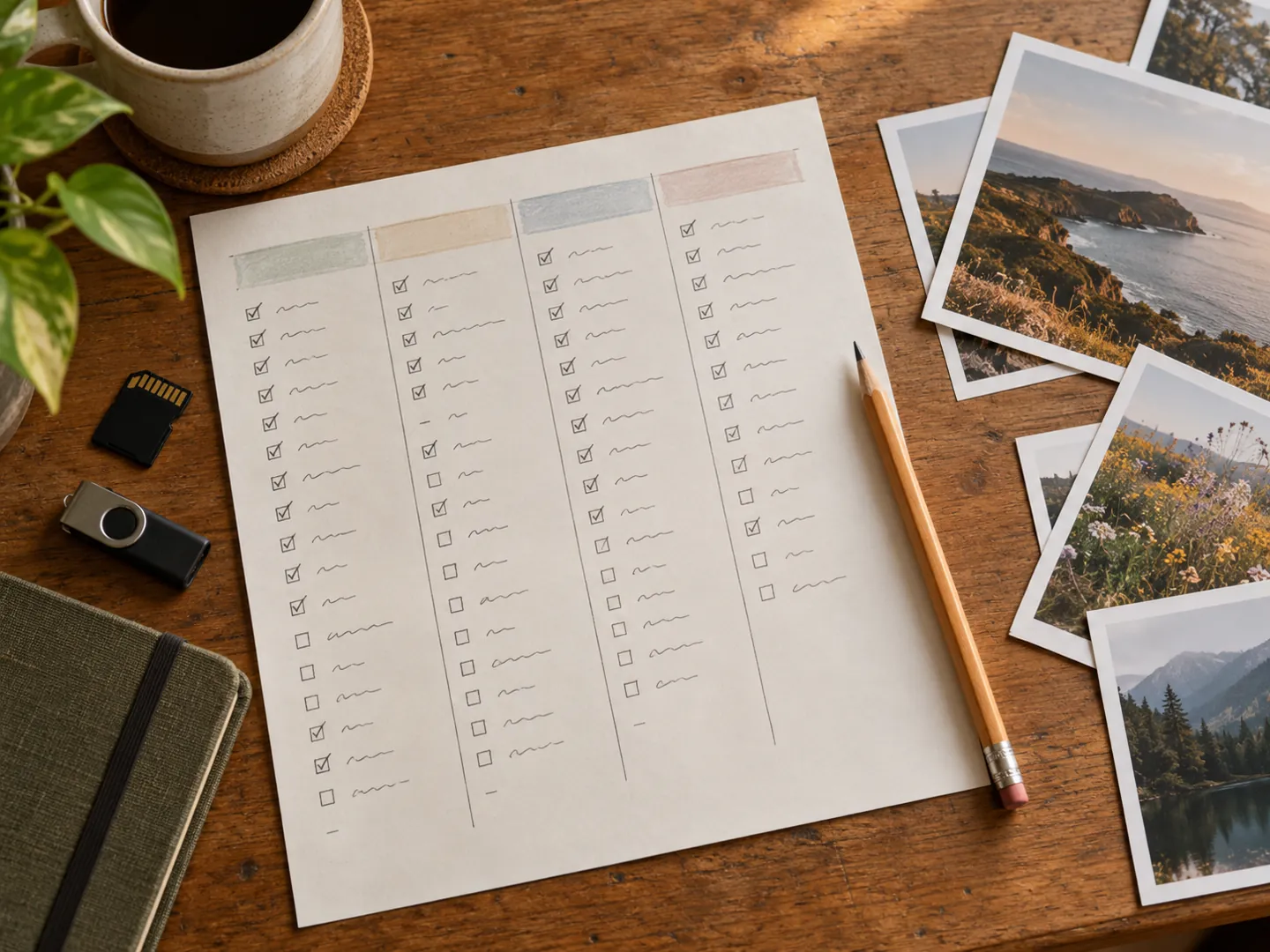
Choose one event or month. The steps follow the Library of Congress advice; the worksheet and the folder names are only suggestions.
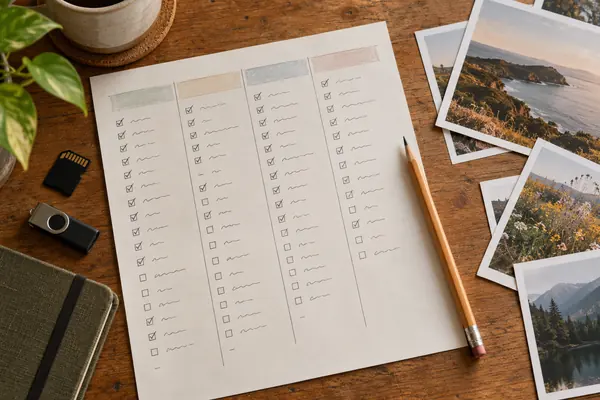
A small inventory can have four columns: location, event or date, approximate number of files, and whether another copy exists. It is a worksheet, not a requirement to catalogue everything at once.
You can pick a few photos or many. Where an important photo has several versions, keep the one with the highest quality.
Work on copies of a small batch first, using the example structure below, and leave the originals where they are.
Explain the naming convention and any uncertain dates. The Library of Congress suggests a brief description of the folder structure and the photos.
Keep at least two copies in different places. Record where each copy is and when you last opened files from it.
AN ILLUSTRATIVE FOLDER PLAN
Here is one example: Photos / 2026 / 2026-10-example-event. Within that event, you could use Originals, Working copies and Exports. The names describe your intended use; creating these folders does not itself make a backup.
Keep a short readme alongside the folders. Then ask another person to find one photograph using only the folder names and your note, and revise the scheme if the answer depends on your memory. The goal of this exercise is findability, not a particular software product.
QUESTIONS
Short answers based on the Library of Congress guidance listed below.
With one event or month. The Library of Congress starts by identifying where your photos are: on cameras, computers, memory cards and the web. Write that down before you move anything.
For an important photo with several versions, the Library of Congress says to save the one with the highest quality. Leave uncertain duplicates for a later review rather than deleting them in your first session.
At least two copies of the photos you select, and more is better, stored in different places as far apart as practical. One copy can stay on your computer; others can go on separate media or internet storage.
The Library of Congress lists internet storage as one place for a copy, alongside portable drives, thumb drives and discs. Whatever you use, treat it as one copy among at least two and check that its files open. This guide does not assess any particular service.
At least once a year, to make sure you can still read the photos. The Library of Congress also advises making new media copies every five years or when necessary.
There is no single required scheme. The Library of Congress advises descriptive file names and a folder structure with a brief written description. The plan on this page, by year and then by event, is only an example to adapt.
Sources
ABOUT THIS NAME
camerafolders.com is part of the DoodleSale portfolio. It isn't in an auction right now, but you can ask about leasing it.